Templates
TypesDiagram types
AI State Diagram Generator from Text
Describe a state machine. Get a Mermaid state diagram with transitions.
Try one of these — click to open in the generator
Order lifecycle state machine: draft -> submitted -> paid -> shipped -> delivered. From draft user can cancel. From paid can refund. Failed payment transitions submitted back to draft. Cancelled and refunded are terminal states.
Try it →Feature flag rollout state machine: draft -> internal_testing -> beta -> gradual_rollout -> stable. From any state can be rolled back to previous. From gradual_rollout can jump to killed if metrics regress. Killed is terminal.
Try it →Support ticket workflow: new -> triaged -> assigned -> in_progress -> waiting_customer -> resolved -> closed. From any non-terminal state can go to escalated. From resolved customer can reopen back to assigned within 7 days.
Try it →OAuth access token lifecycle: issued (fresh with expiry). issued -> expired after TTL. issued -> revoked if user logs out or admin invalidates. From expired can be refreshed back to issued if refresh token still valid. Revoked is terminal.
Try it →When to use AI State Diagram Generator from Text
Form & wizard state
Multi-step wizards, checkout funnels, onboarding. When 'draft', 'in review', 'approved', 'rejected' each have different UI and permissions, a state diagram is the source of truth.
Workflow & approval status
PR review states, order lifecycle, ticket status. Any object that moves through named stages with rules about who can trigger which transition benefits from an explicit state diagram.
Retry & recovery logic
Job runs go pending → running → succeeded / failed / cancelled → retrying. When retry logic gets complex (exponential backoff, dead-letter), a state diagram is faster to reason about than the retry code.
UI component state
Loading, empty, error, success — the four states of every screen. A state diagram makes the design system contract visible: which states does this component handle, and how do you transition between them.
Protocol & machine specs
TCP handshake, WebSocket connection lifecycle, hardware device modes. State diagrams have been the standard notation for protocol specs since Turing — because they're precise enough for implementation review.
Building a state diagram in chat mode, from one vague sentence
Any AI state diagram generator from text can draw the happy path — trialing, active, cancelled. The arguments are always about the other transitions: can a cancelling subscription be un-cancelled? Is expiry a state or an event? Chat mode asks about the one transition that reshapes the machine, drafts the rest, and then lists the transitions it invented. Here is a SaaS subscription lifecycle, built from a deliberately vague opening line.
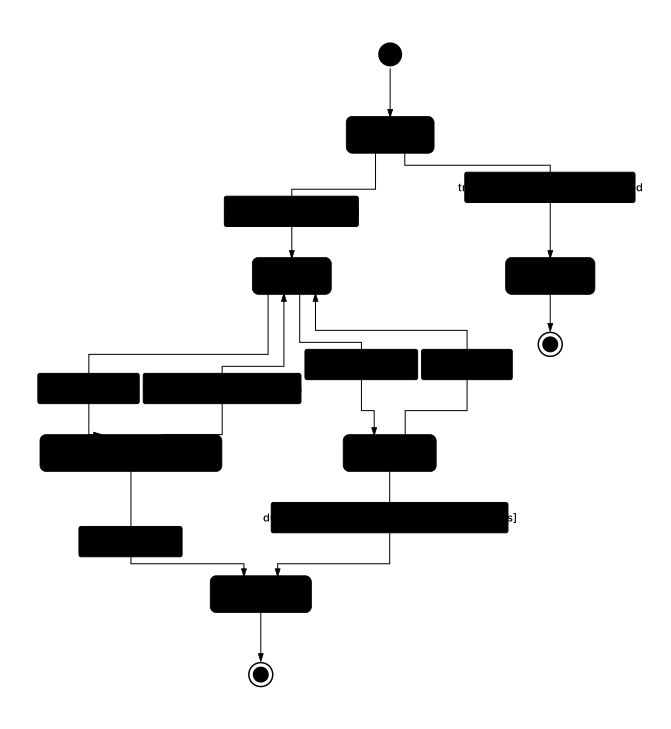
- Made "Trialing" the initial state — a new subscription starts on trial, not active
- Added a transition from "Cancelling at period end" back to "Active" so a customer can undo a cancellation
- Made a failed renewal sit in "Past due" while dunning retries, rather than cancelling on the first failure
- Put a 14-day window on the past-due exit, since you did not say how long dunning runs
- Added an "Expired" terminal state for trials that end without a payment method
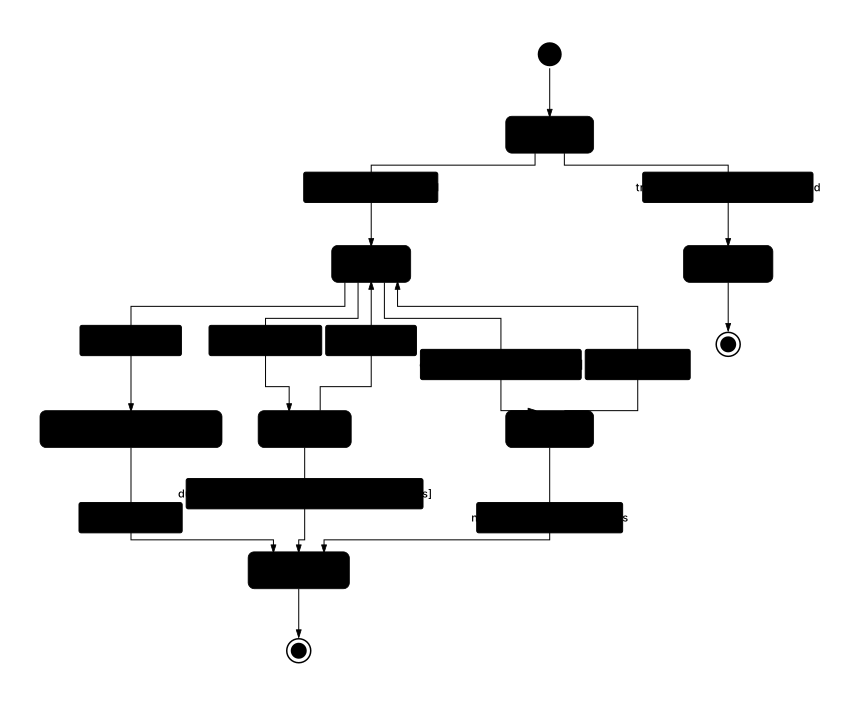
Four messages produced a state machine with a deferred-cancellation state, a dunning loop with a real exit condition, and a plan-guarded pause branch — none of which were in the opening line. Sent one-shot, the same prompt gives you active → cancelled and nothing else, and the transitions your billing code actually gets wrong stay invisible until support files the ticket.
Deep dive
State diagrams are the right tool when what matters is the object's current condition and which transitions are legal from here, not the sequence in which things happen. Reach for them when you have a thing (an order, a document, a user account, a feature flag, a subscription) that moves through named states with clear rules about which state can follow which.
The classic tell you need a state diagram: your team keeps arguing "wait, can a user be both suspended and pending-verification at the same time?" That's a question about state legality, not process order. A state diagram forces you to enumerate every state exactly once and every transition explicitly — which surfaces contradictions you'd otherwise ship as bugs.
Mermaid's stateDiagram-v2 syntax supports composite states, concurrent regions, entry/exit actions, and the standard [*] start/terminal marker. Use it for order/subscription/document workflows, machine or IoT device modes, feature flag rollout phases, or any lifecycle that a compliance auditor might ask you to prove is bounded. Where state diagrams struggle: when interactions between multiple stateful objects dominate — then a sequence diagram on top helps.
Ready to try it yourself?
Prefer a conversation?
Not sure how to phrase your prompt? Chat mode lets AI ask 2-3 clarifying questions about actors, events, and edge cases — then draws.
Want to draw better diagrams?
Read our in-depth tutorials — symbols, structures, 9 rules, and copy-paste prompt templates for real-world flows.
Related tools
Describe a process in plain English. Get a diagram. Export SVG or PNG.
Turn an API description into a sequence diagram with actors and arrows.
Describe classes, attributes, and inheritance. Get a Mermaid UML class diagram.